Plank timer
Online plank timer with 30s, 1, 2, and 5 minute targets, progress bar, and best-hold tracking.
Open toolWhether you want to build a small walking habit, track your push-ups, or simply remember to drink water, BigBeeFit provides a suite of focused apps designed to help you hit your goals without the clutter.
Real icons and screenshots from the current public App Store lineup, refreshed to the July 12, 2026 public state.
Timers, counters, and calculators that work with zero signup — and hand off to the matching iOS app when you want history, streaks, and Apple Health sync.
Online plank timer with 30s, 1, 2, and 5 minute targets, progress bar, and best-hold tracking.
Open toolOnline push-up counter with tap counting, set tracking, and session totals.
Open toolCalculate how much water to drink a day based on your weight and activity level — in liters, glasses, and ounces.
Open toolInterval timer with work/rest phases, rounds, and audio cues — Tabata, 30/30, and 40/20 presets included.
Open toolBody mass index with WHO category and the healthy weight range for your height — metric and imperial.
Open toolMax heart rate and all 5 training zones from your age, with the Karvonen option for resting HR.
Open toolPace per km and mile from distance and time, plus finish-time projections for 5K to marathon.
Open toolTimed wall sits with 30-second to 3-minute targets, best-hold tracking, and form checkpoints.
Open toolDaily calorie needs from the Mifflin-St Jeor formula, with lose, maintain, and gain targets.
Open toolTurn any step count into kilometers, miles, and calories, with stride estimated from your height.
Open toolHow-to articles on push-up form, daily volume, and 30-day challenges from the BigBeeFit blog.
Open toolEverything you need to track your progress, integrated seamlessly into your Apple devices.
Your data belongs to you. Our apps sync cleanly with Apple Health, ensuring your fitness rings close faster and your trends are always up to date.
Check your hydration, view your walking laps, or see your weekly step trends right from your Home Screen and Lock Screen.
We strip away the noise. Open the app and start moving. Camera AI counting, clear progress bars, and simple interfaces keep you in the zone.
Start building healthier habits with our standout apps like CounterUps, BigDrink, StepDay, and Daily Loops. Each one is designed to help you focus on what matters most — your progress.

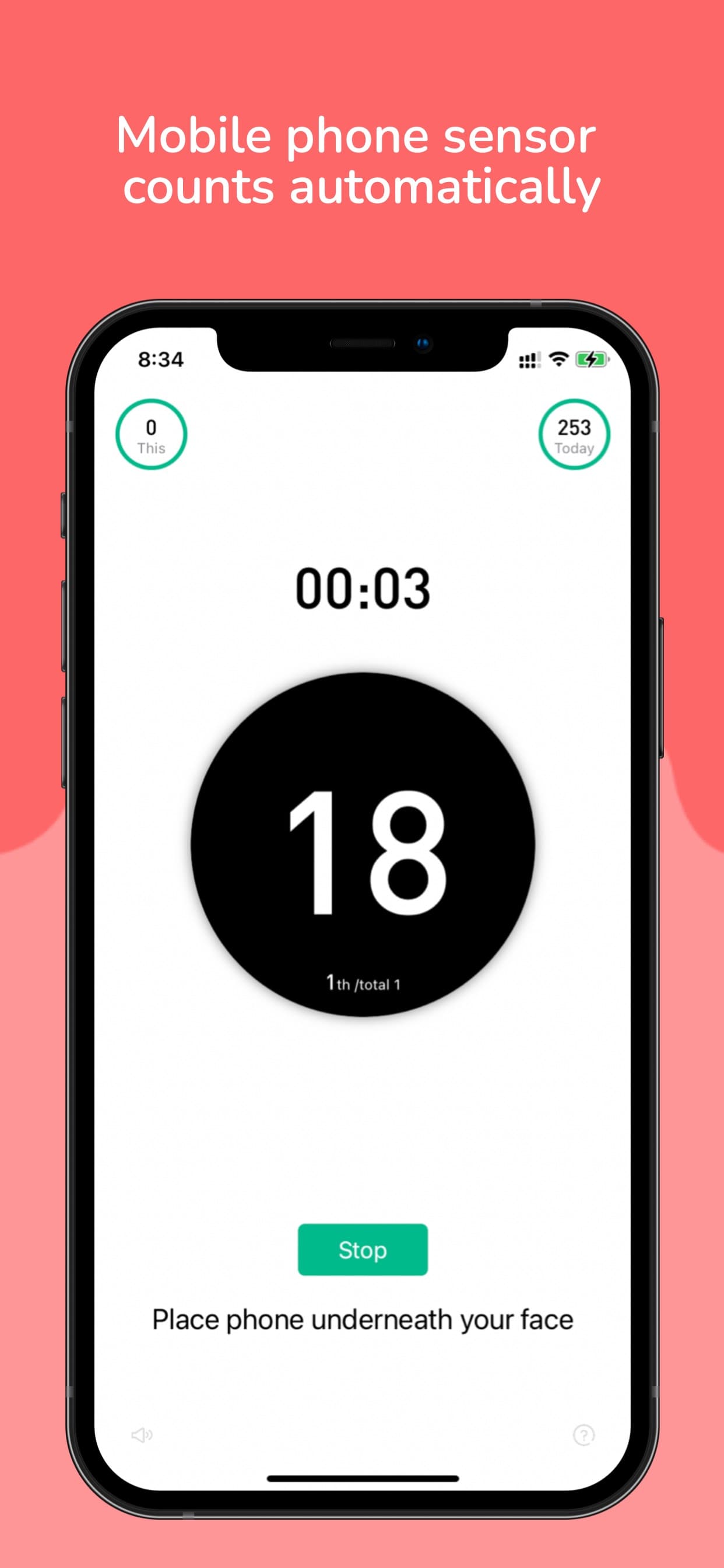
Camera AI counts your push-ups automatically — with a personalized 6-week home workout plan.
CounterUps uses your phone's camera to automatically count push-ups, squats, and crunches. It builds a personalized 6-week training plan based on your height, weight, age, and goal — whether that's losing weight, building muscle, or staying in shape. The current public App Store release is now Version 2026.7.7 from July 8, 2026, focused on more reliable training counters, clearer counting-mode availability hints, more accurate grouped training targets, and broader reliability fixes for challenges, friends, leaderboards, invites, and iCloud-backed plans.
Fitness Tracker with camera AI
The current release improves training-counter stability, adds clearer counting-mode availability hints, makes grouped targets more accurate, and tightens challenge, friends, leaderboard, invite, and iCloud plan reliability.
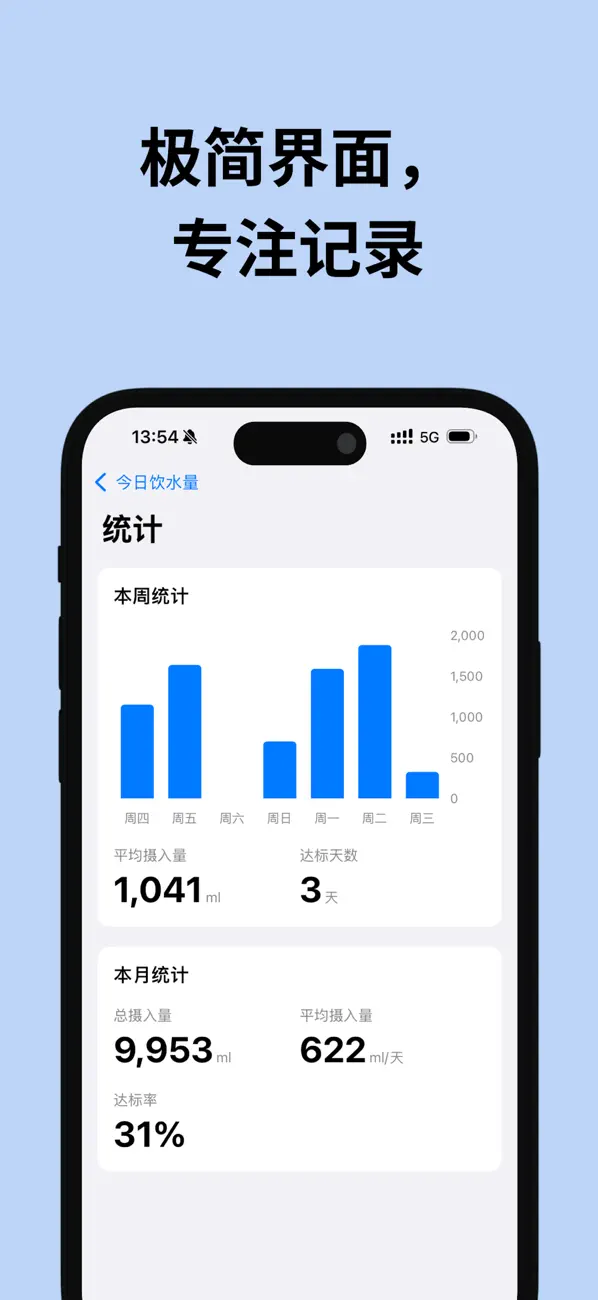
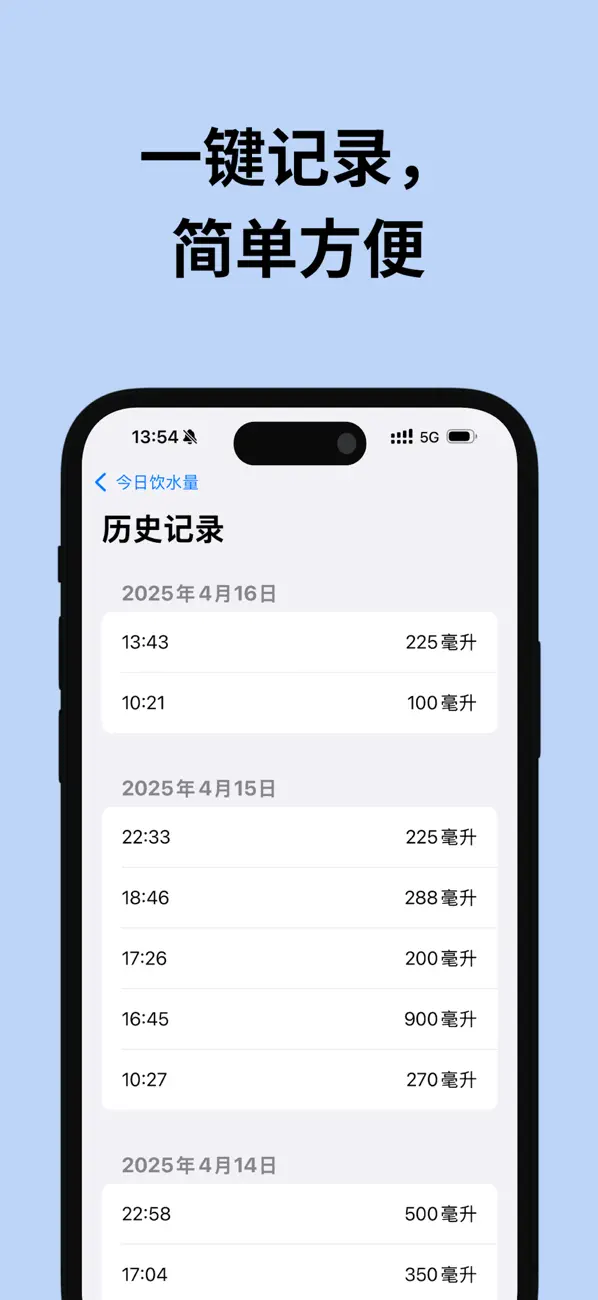
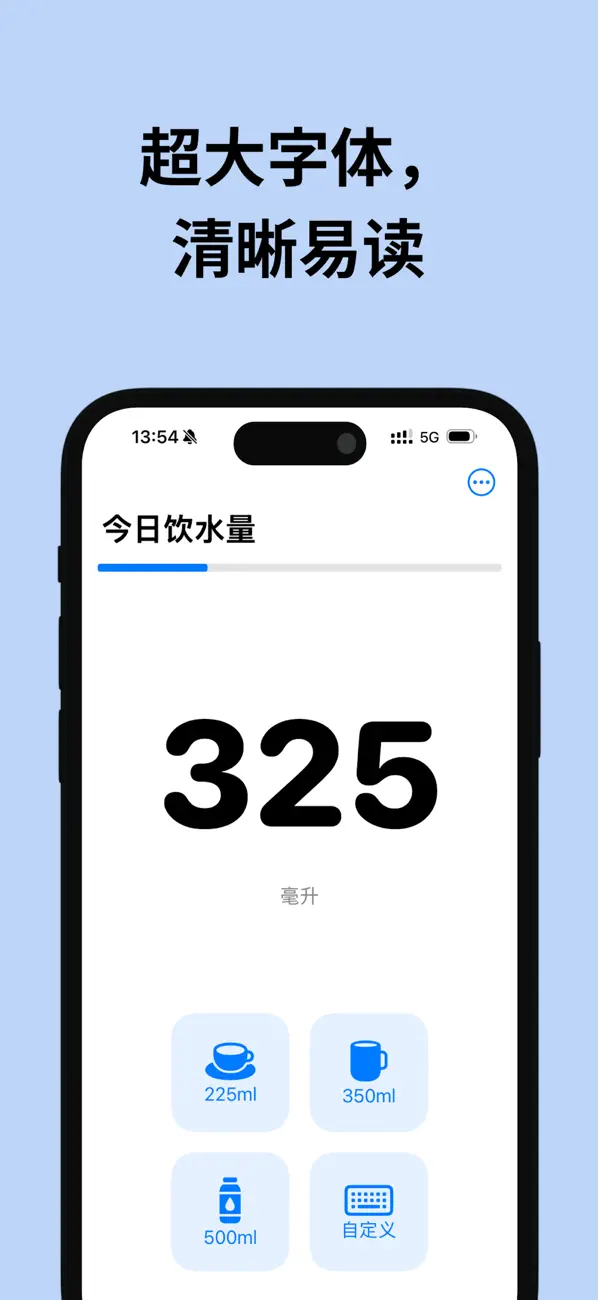

Simple hydration tracking with HealthKit, widgets, and a native Apple Watch app — across iPhone, iPad, Mac, Apple Vision, and Apple Watch.
BigDrink is a hydration tracking app whose current App Store listing supports iPhone, iPad, Mac, Apple Vision, and Apple Watch. Log intake with a tap, check progress from your wrist, and keep your hydration habit connected to Apple Health. The current public Version 1.0.4 release from July 4, 2026 adds BigDrink Pro, custom quick-add buttons, more reliable widget sync, and stronger HealthKit accuracy without double counting.
Smart hydration with HealthKit
The current release introduces BigDrink Pro, custom quick-add buttons, more reliable widget sync, better HealthKit accuracy, faster statistics loading, and fixes for occasional launch issues.
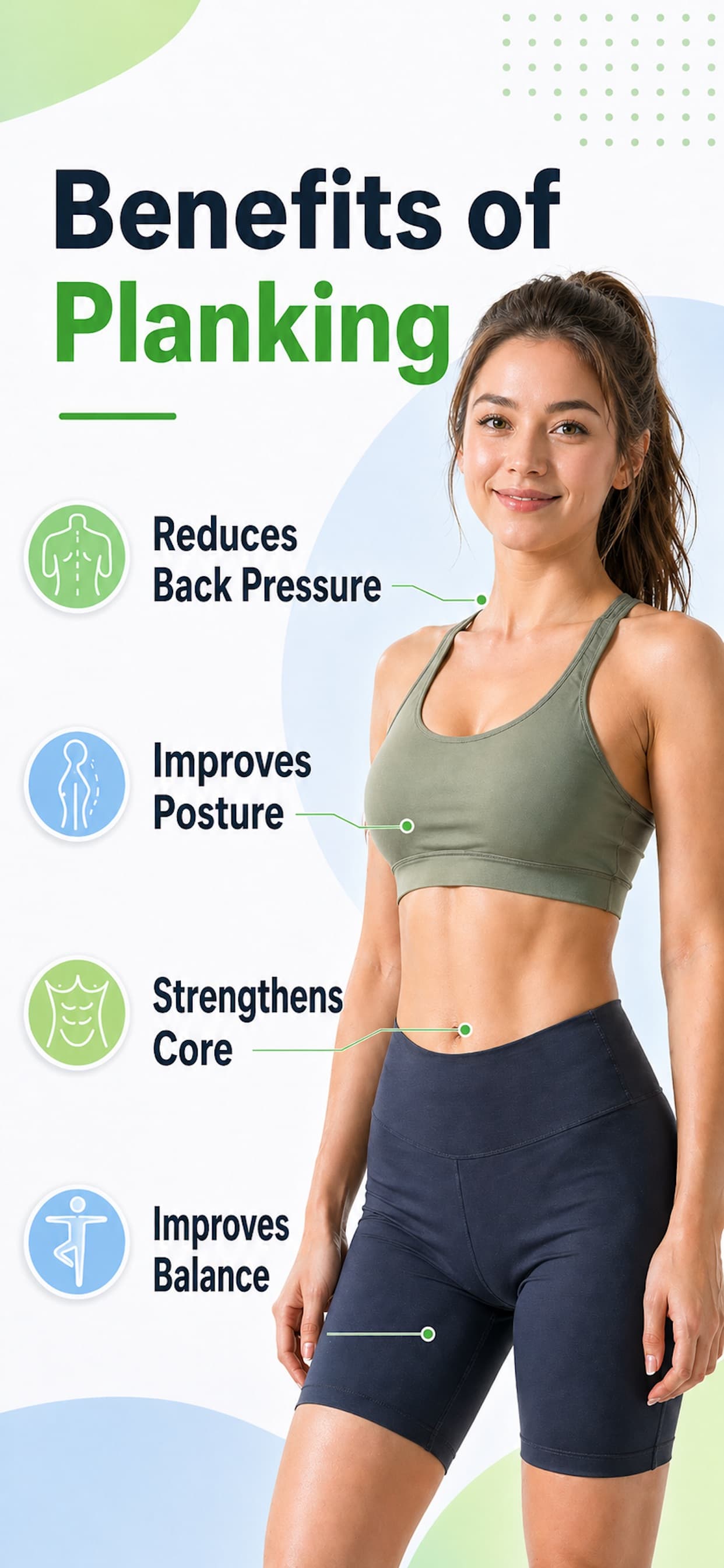
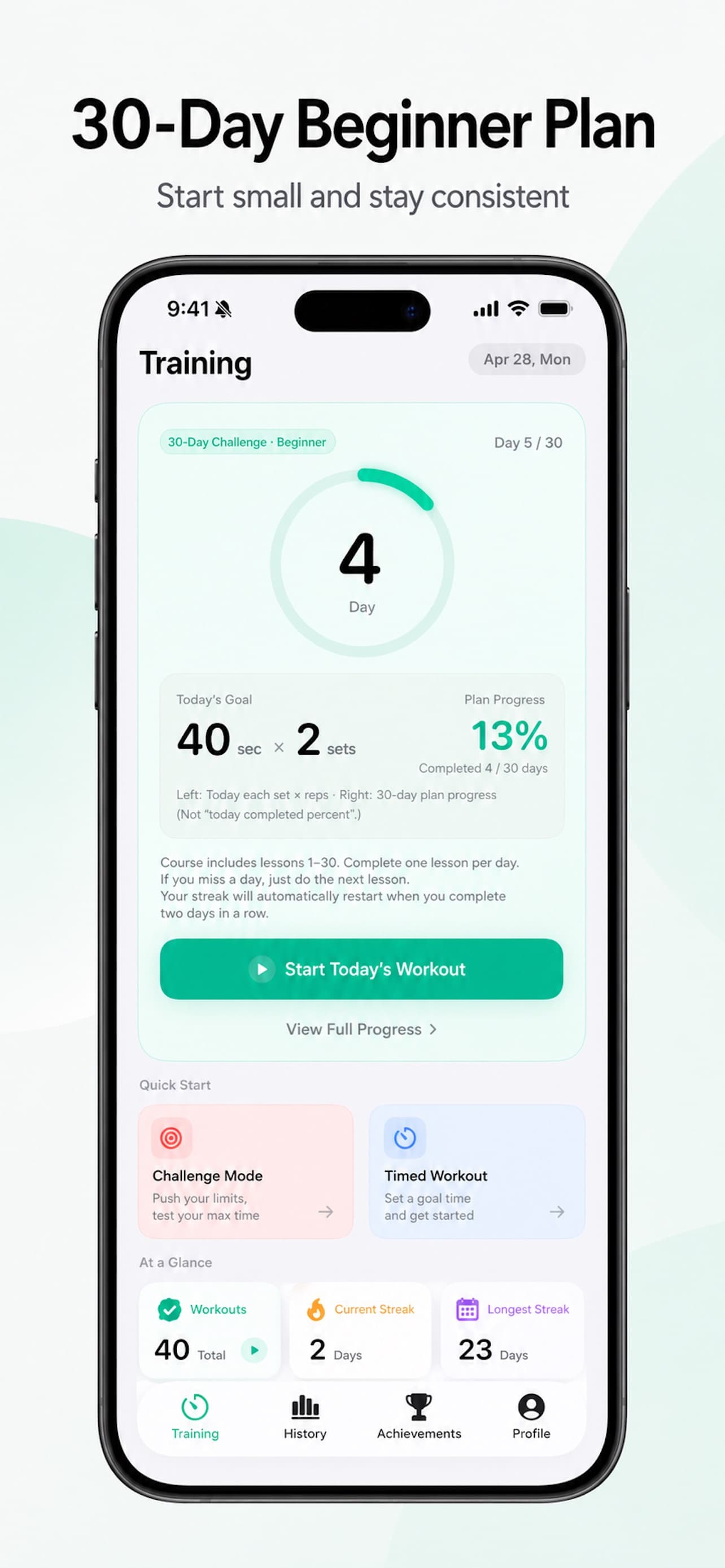

Plank timer app with auto-progressing plans, Game Center leaderboards, and Apple Health sync.
Plank King is a plank timer and plank challenge tracker for iPhone. Tap once to start the timer, hold your plank, and the app records the session — your longest hold, total time, and estimated calories. Training plans raise the target as you improve, a calendar view shows your streak, and Game Center leaderboards let you compete with other plankers worldwide.
Plank Challenge Tracker App
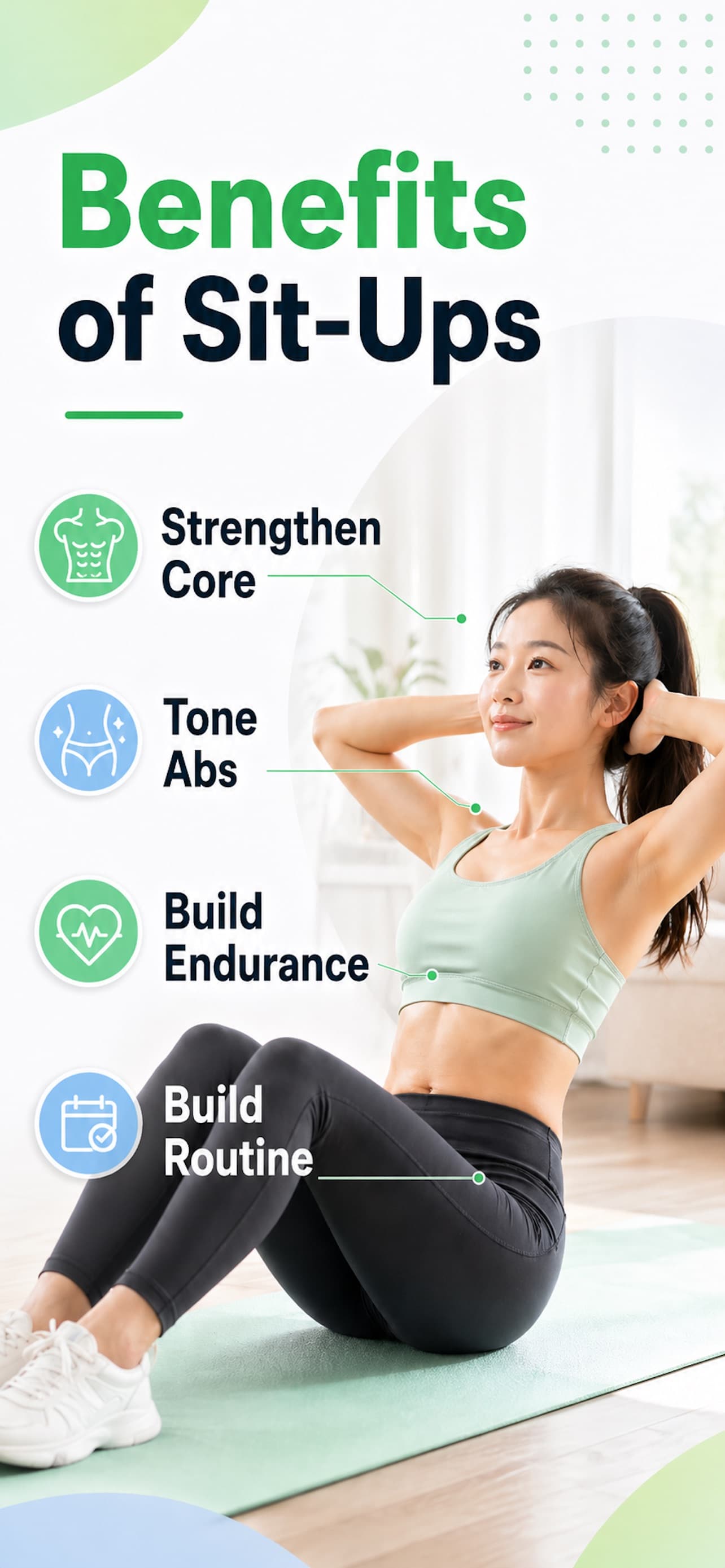
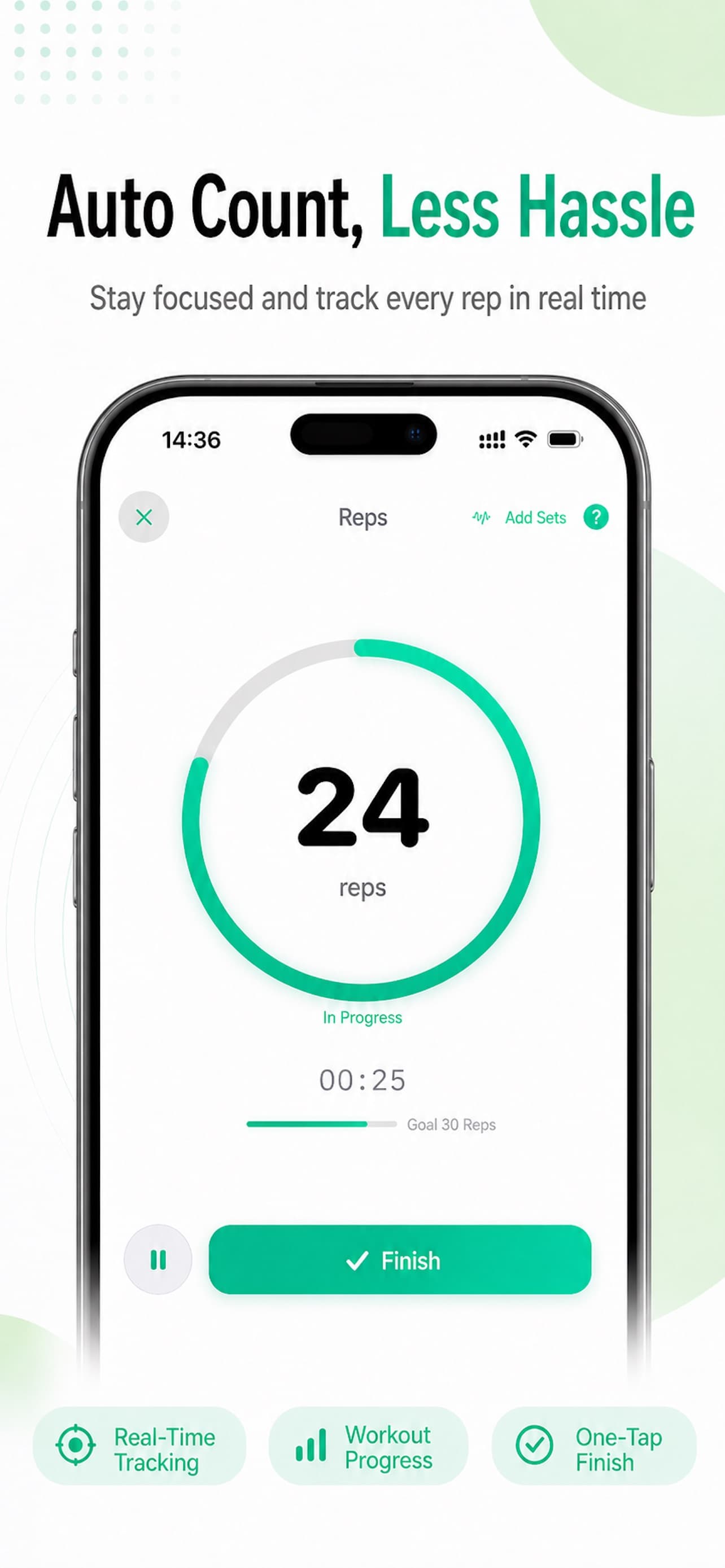
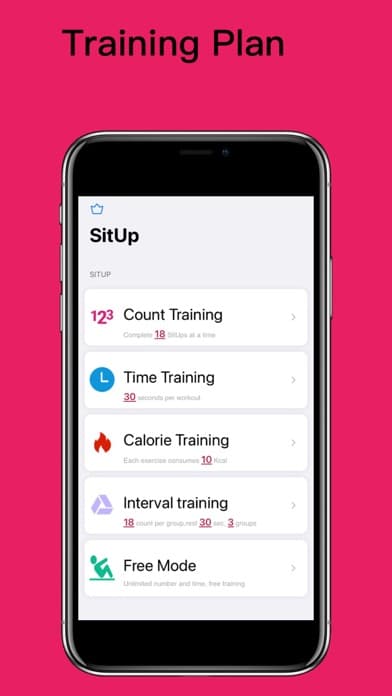

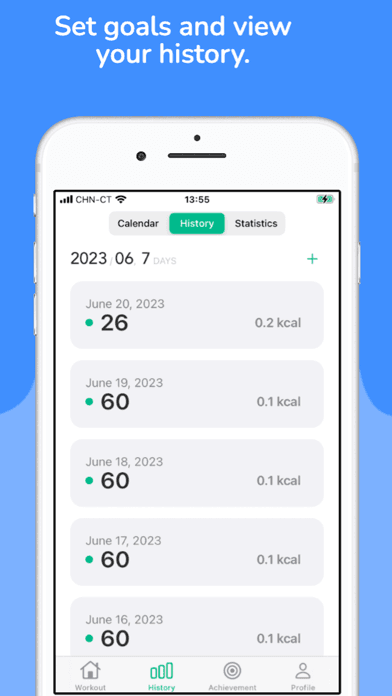
Sit-up counter app with Camera AI, Apple Watch counting, and five training modes.
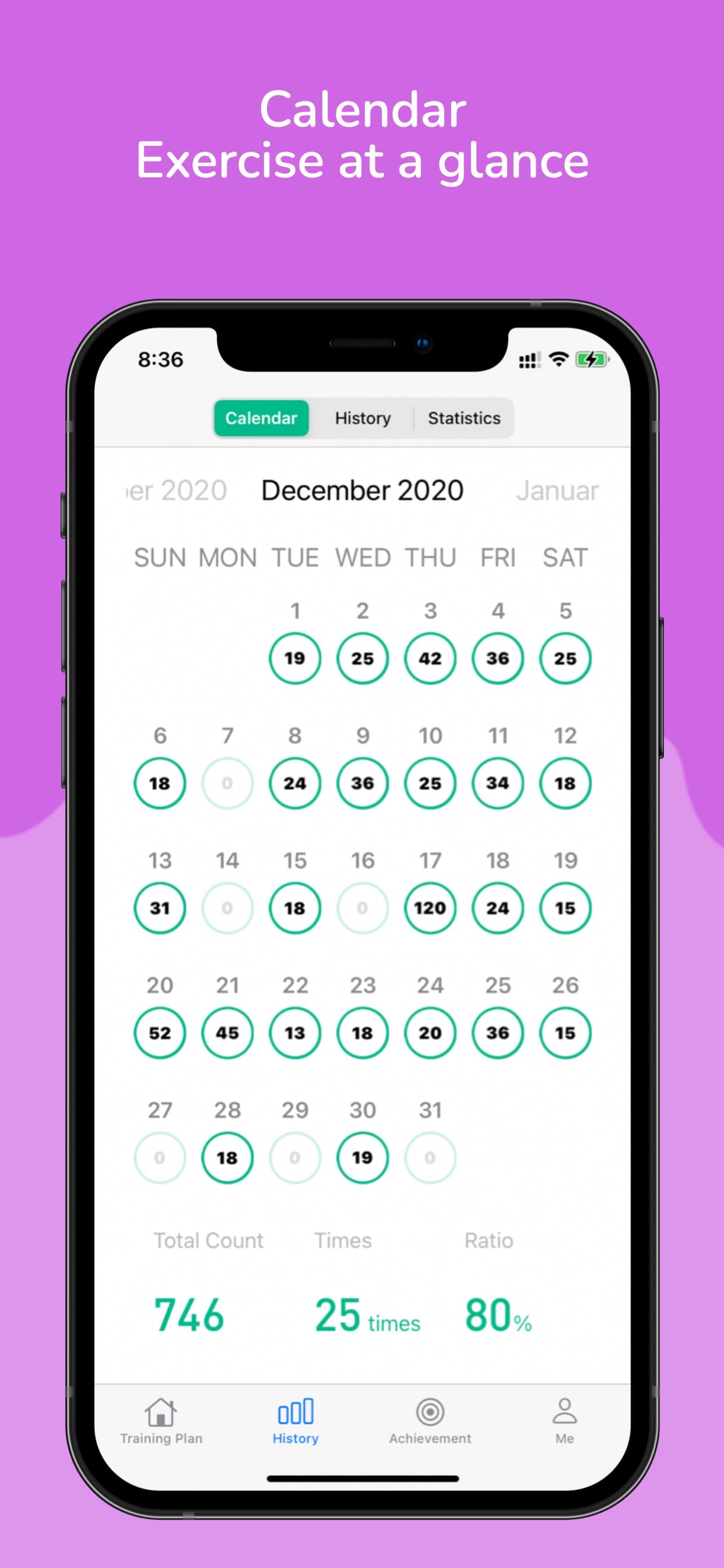
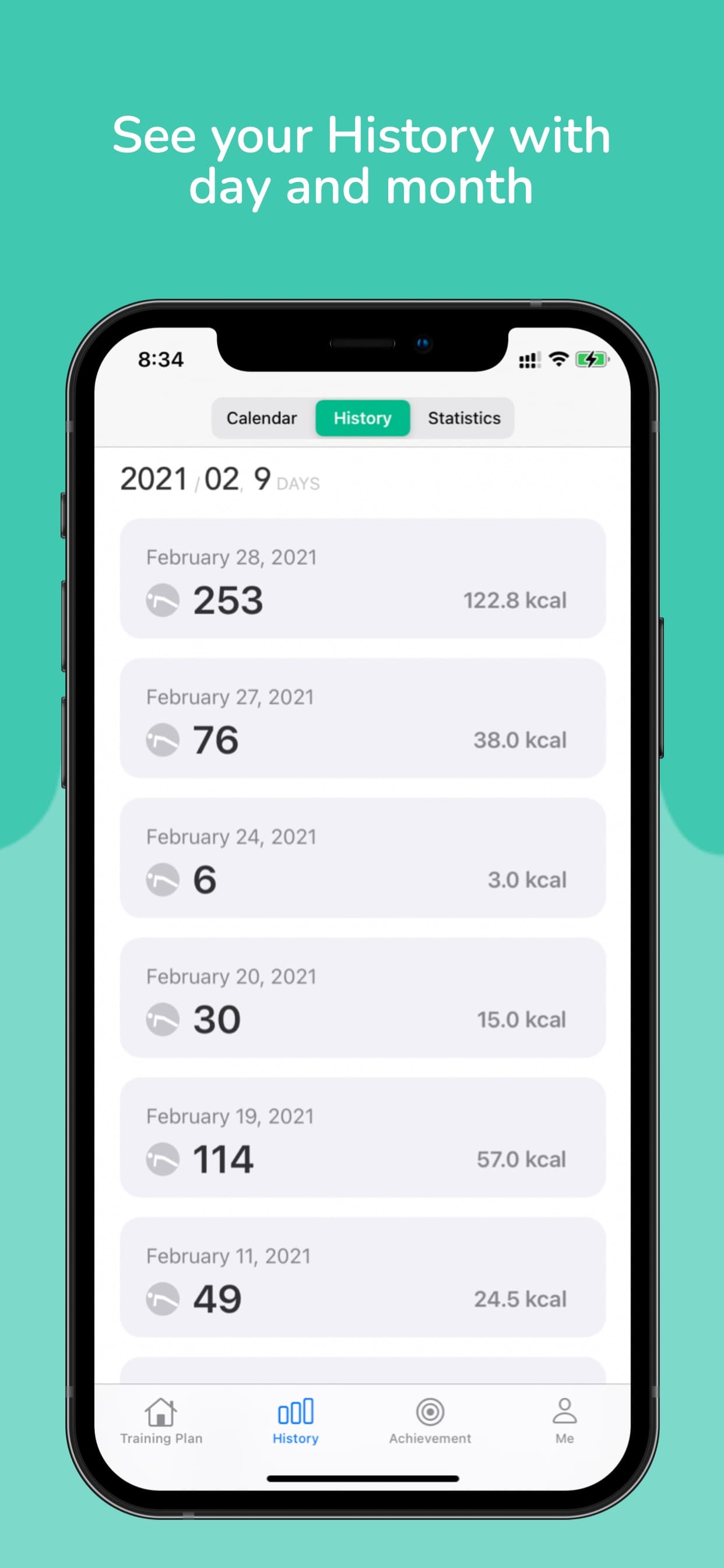
SitUp - Workout DailyCrunch is a sit-up counter for iPhone and Apple Watch, built around an easy habit: 18 sit-ups a day. The rebuilt SwiftUI app counts reps automatically with Camera AI or Apple Watch sensors, offers five training modes, and tracks your history with a calendar, long-term trend charts, and a home screen widget. Apple Health sync is optional, and premium users get iCloud sync across devices.
18 sit-ups daily, flicker free
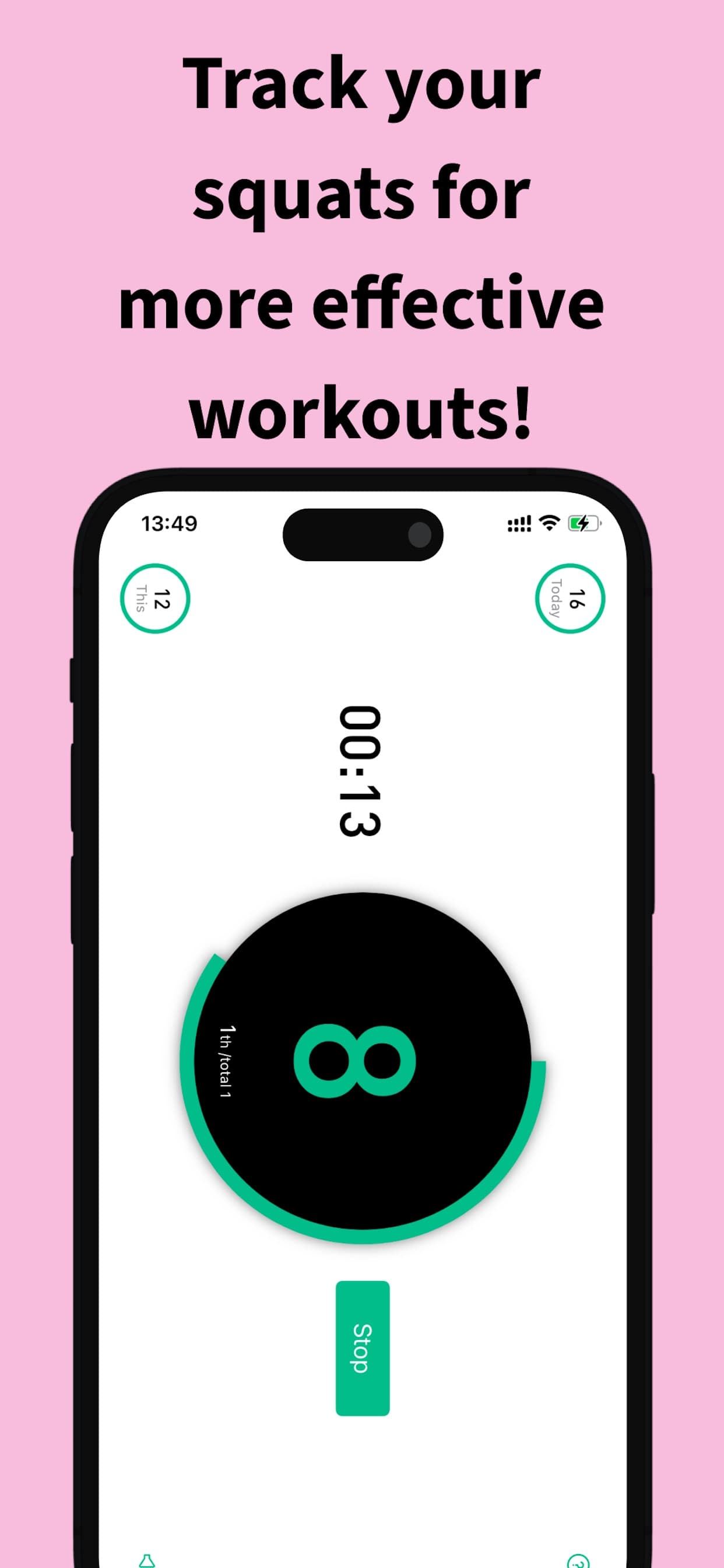
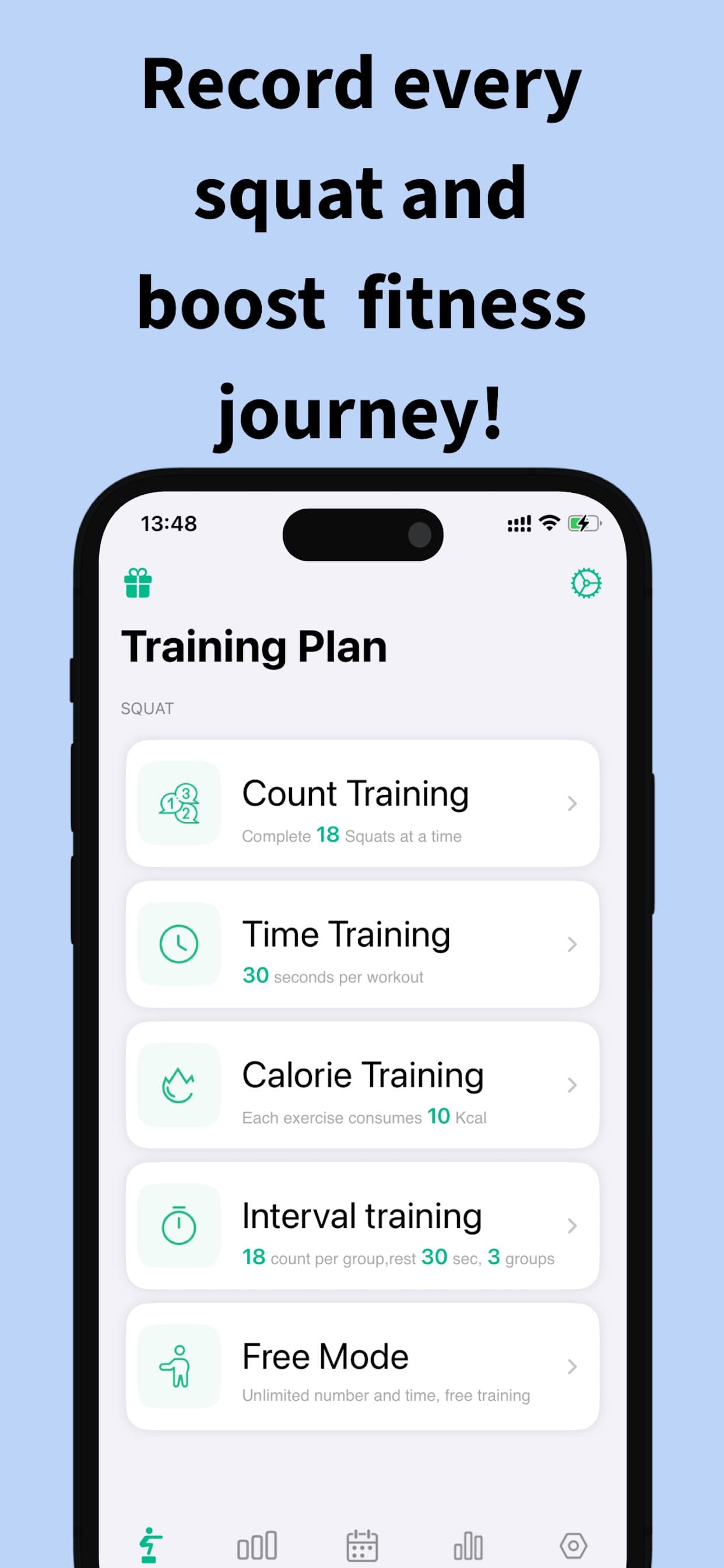
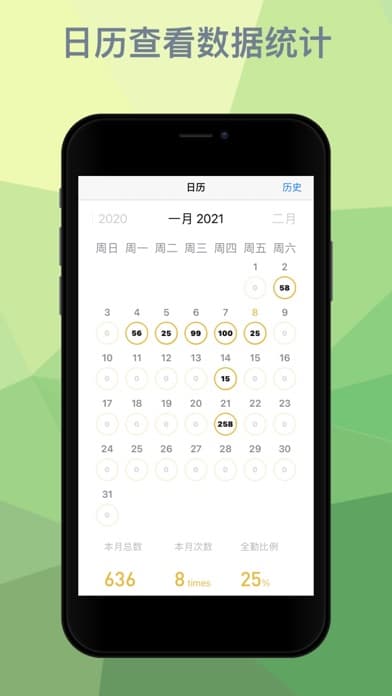

Squat counter app that auto-counts reps with phone sensors — no wearable needed.
SquatTrack turns your iPhone into an automatic squat counter. Hold the phone or rest it on your lap, and motion sensors detect each rep — no wearable, no camera setup. Voice feedback announces your count mid-set, training data syncs with iCloud and Apple Health, and shareable workout cards make progress easy to post. Rated 5.0 on the App Store.
Track & Improve Your Squats
Three minutes. No streak pressure. A small workout habit that survives real life.
MiniRep is a low-pressure workout logger for busy people. Record push-ups, squats, planks, and other exercises with one tap, watch every rep or minute build into a clear formula, and work toward flexible monthly goals instead of a streak that resets after one missed day. Workout data stays on your device by default, with optional private iCloud sync and optional Apple Health workout writes.
Short glute workouts with streaks, reminders, and optional on-device AI rep counting.
Glute Bloom is a glute-focused workout and habit app for adults and teens. Pick guided home routines, count reps manually or with optional on-device pose tracking for supported squat and glute-bridge variants, keep a weekly rhythm and streak, and keep history private with on-device storage and optional Apple iCloud sync — no Glute Bloom account required.

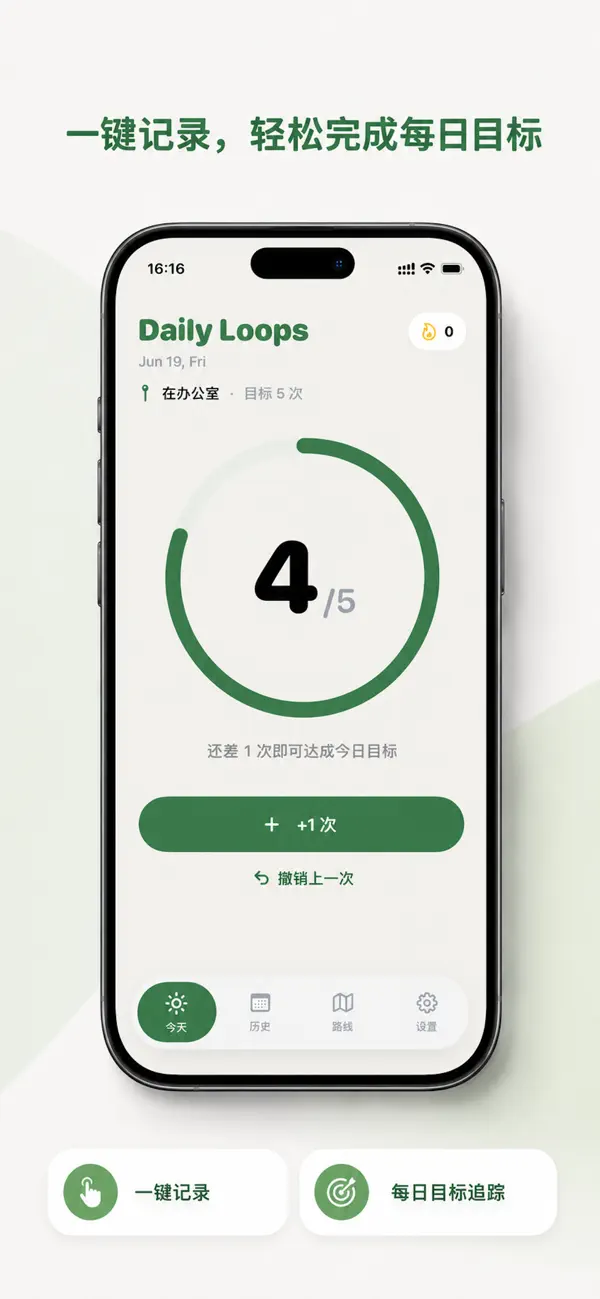
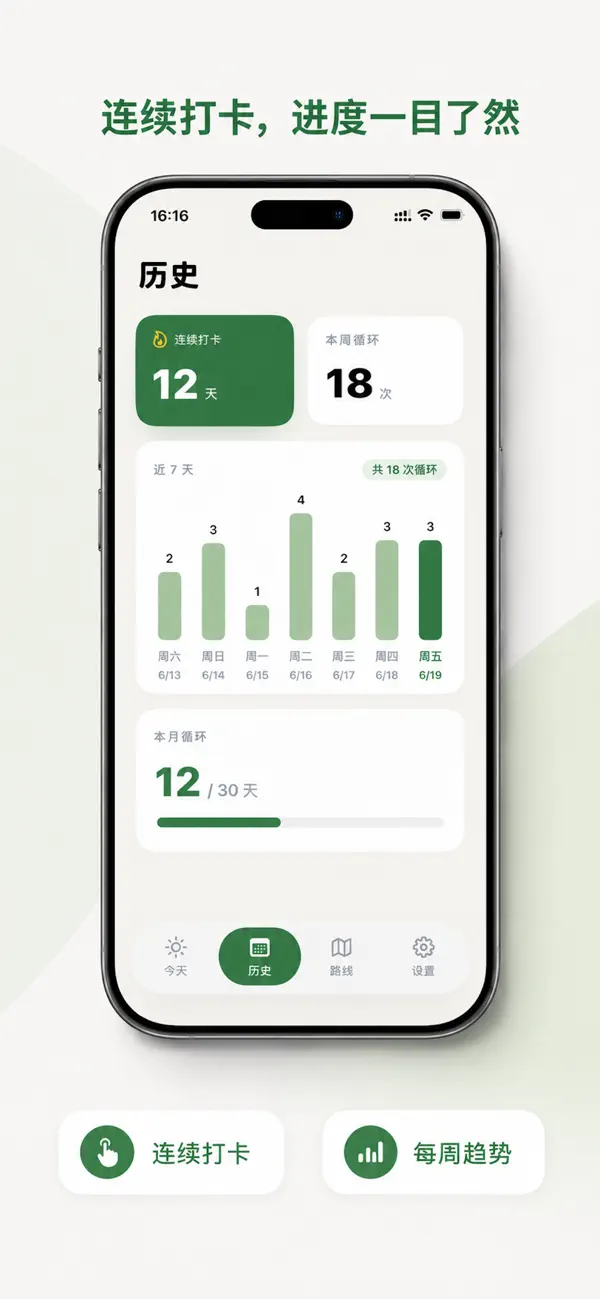

A simple walking-lap tracker that now supports GPS auto counting.
Daily Loops turns an abstract goal like “move more” into something you can finish today: choose a familiar route, set a small loop target, and keep each lap visible. The live App Store release now includes optional GPS auto lap counting, a map trail, calorie feedback, goal celebrations, local reminders, route presets, and on-device history — still with no account and no pressure to become an athlete.
Walk Lap Tracker
Version 1.1.0 adds GPS auto lap counting, a map trail, calorie feedback in everyday foods, stronger goal celebrations, and a fix for lap-detection map offsets.
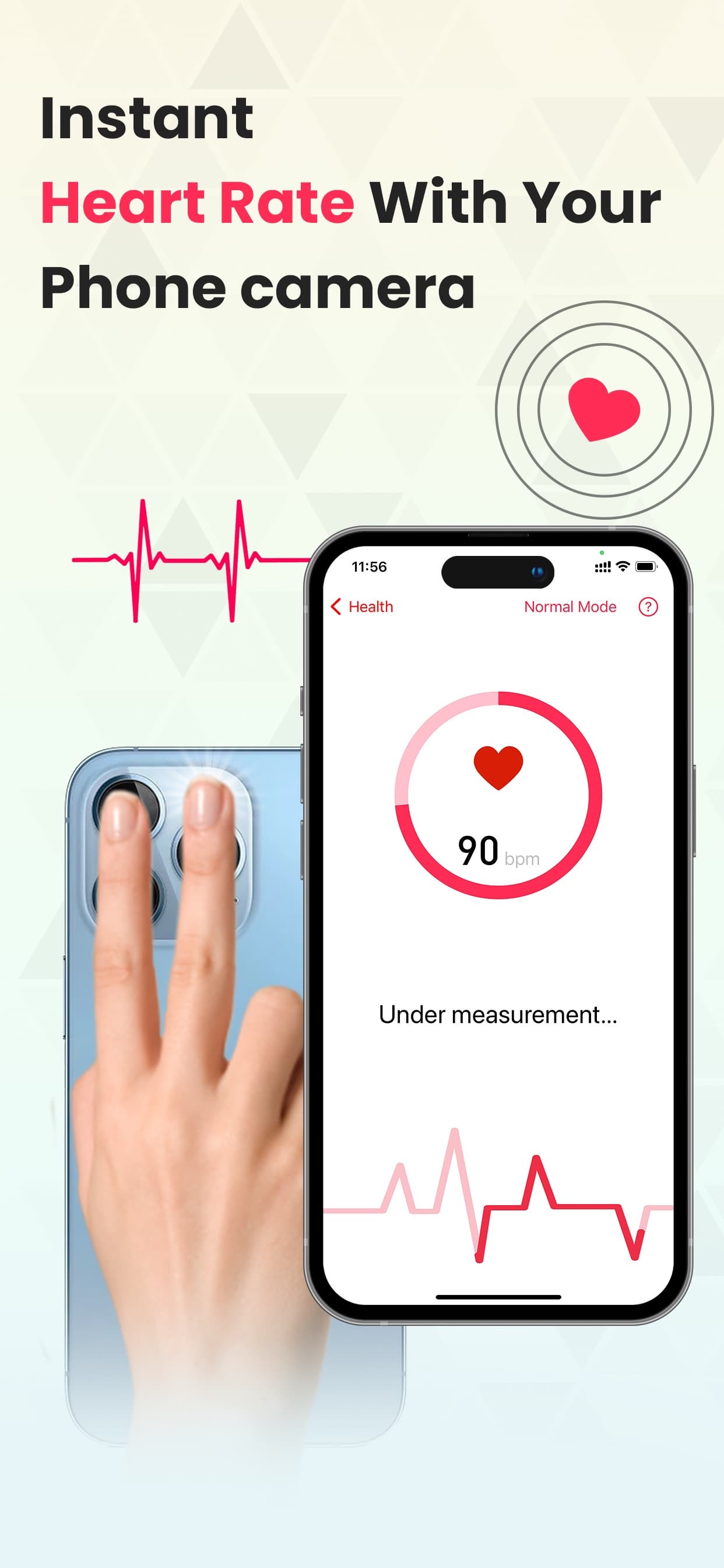
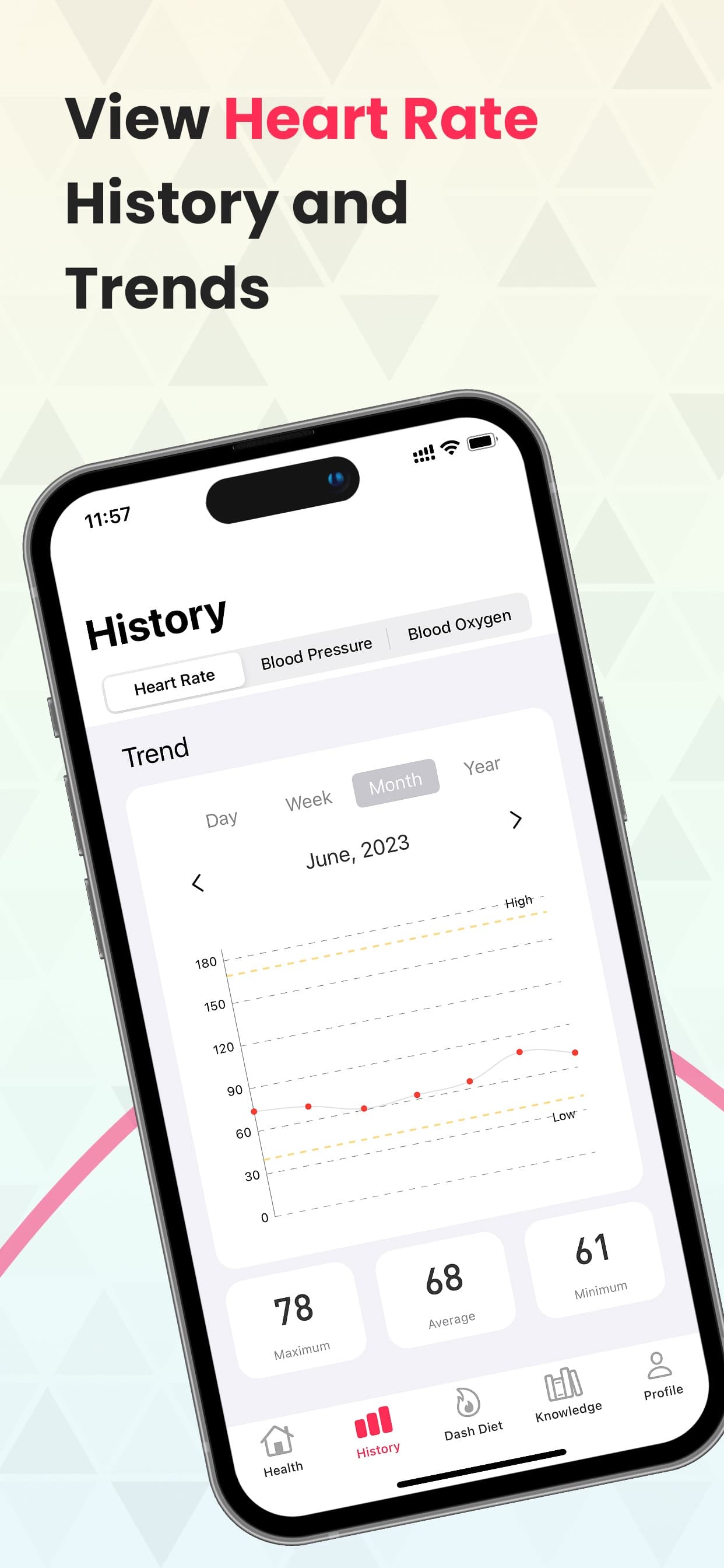
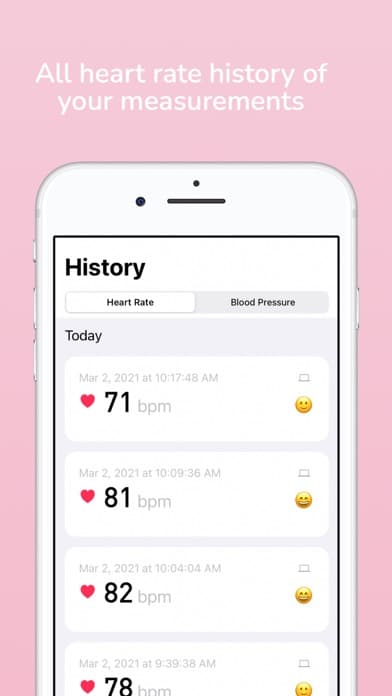

Heart rate monitor app using your iPhone camera or a Bluetooth belt, with blood pressure logging.
Pulser measures your heart rate using the iPhone camera and LED flash — place a fingertip over the lens and get a reading in seconds. It also connects to Bluetooth heart-rate belts for continuous monitoring, logs manual blood pressure readings, and charts trends over time. All data syncs to Apple Health and iCloud, and shareable charts make it easy to show readings to a doctor or coach. Rated 5.0 on the App Store.
Heart Rate & Blood Pressure
Round out your routine with our focused fitness apps: walking laps, push-up streaks, run tracking, sleep trends, Mac stretch breaks, squats, planks, sit-ups, and heart-rate tracking.

A distraction-free run tracker for running, walking, cycling, and hiking.
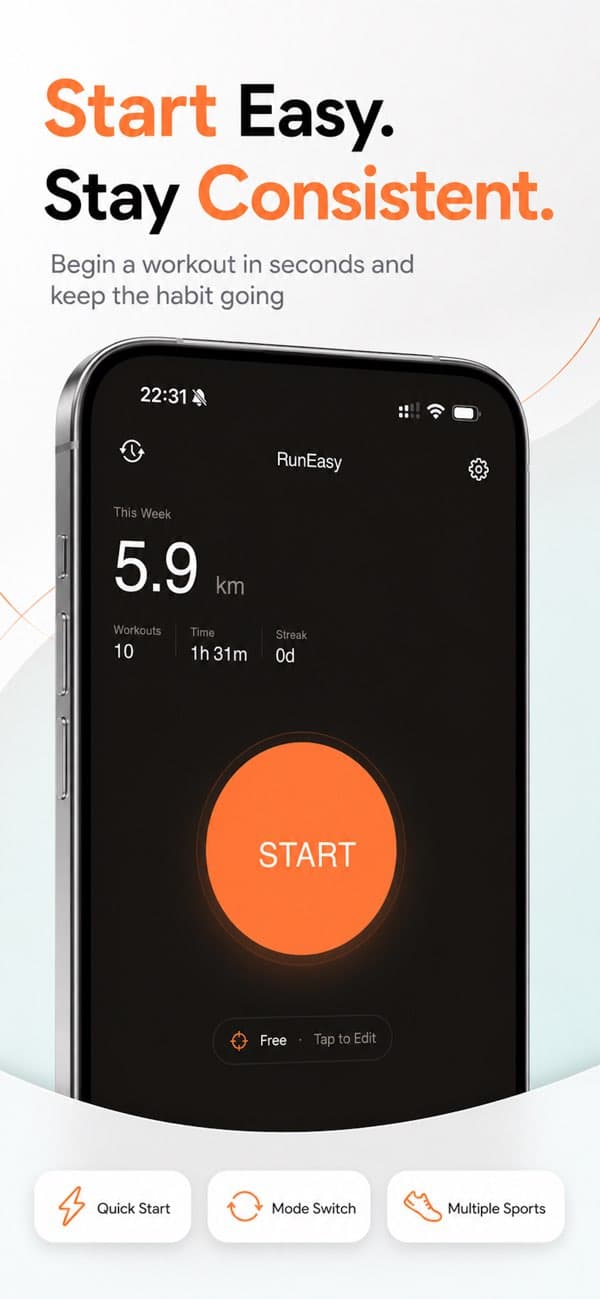
RunEasy is a clean, distraction-free workout tracker for runners, cyclists, walkers, and hikers. The current public App Store page highlights GPS route tracking, a standalone Apple Watch companion, Apple Health sync, Live Activities, voice coaching, Bluetooth heart-rate monitor support, a Home Screen widget, and private-by-design on-device plus iCloud storage. The current public release, Version 3.0.1 dated June 10, 2026, specifically calls out a GPS import crash fix, clearer Apple Watch labels for weekly goals and heart-rate zones, and redesigned widgets.


A lightweight, no-subscription push-up counter for your daily streak.
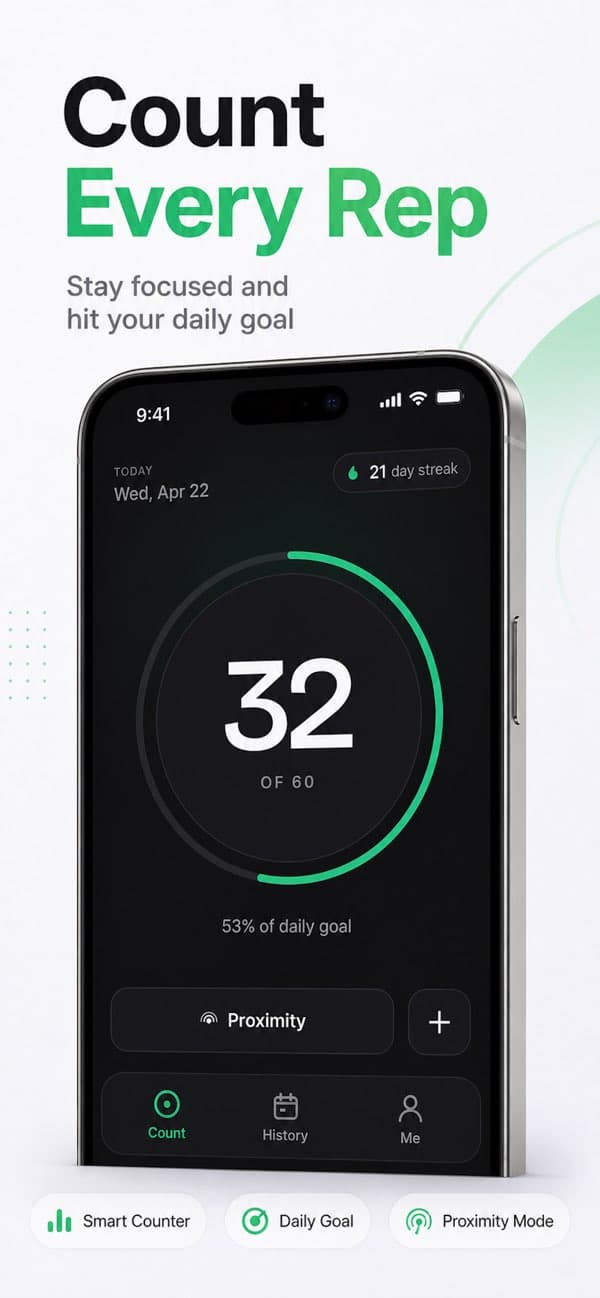
CounterUps Lite is a simpler push-up tracker built for daily consistency. The public App Store page highlights three counting modes — proximity sensor, depth camera on supported iPhones, and manual tap — plus streaks, weekly history, iCloud sync, optional Apple Health logging, and no subscriptions.

Steps, workouts, and sleep trends from Apple Health on your iPhone.
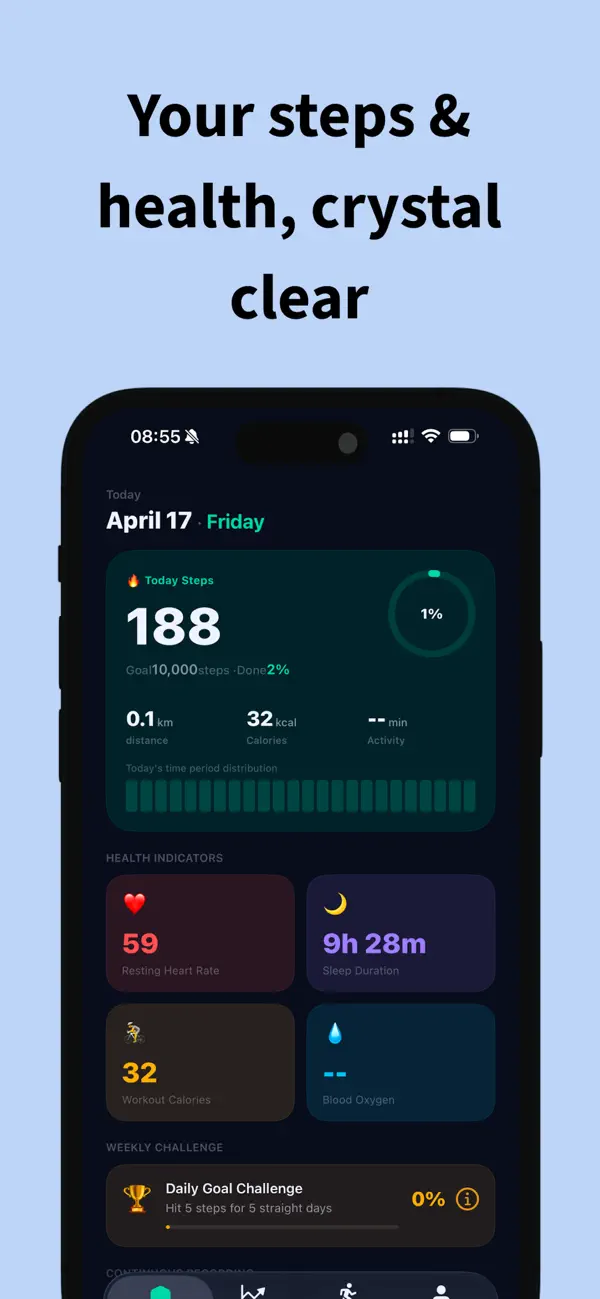
StepDay helps you understand daily activity and recovery on your iPhone using Apple Health data. The current public App Store page leads with steps, distance, daily goals, workouts, sleep insights, heart-rate trends, blood oxygen, widgets, Live Activities, shortcuts, streaks, and weekly AI-assisted insights where available.

A lightweight Mac stretch-break timer for healthier work sessions.
Up2Stretch is a lightweight macOS menu bar app for knowledge workers who lose track of time while coding, designing, writing, or studying. The current public App Store listing is now at Version 1.1 from June 18, 2026 and highlights menu bar work logs, a quick preview of recent logs, pre-break notifications, a full-screen break overlay, screen sleep and lock detection, local-only reports, and a Data Not Collected privacy summary.
We build apps that do one thing extremely well. From clean run tracking with RunEasy, to guided push-up plans in CounterUps, to hydration tracking in BigDrink — find the tool that fits your routine.
Each app focuses on a single habit. Doing one thing well is what makes them easy to actually use every day without feeling overwhelmed.
Native experiences designed for iPhone, Apple Watch, and Mac, making full use of iCloud sync and the latest OS features.
Your health data stays on your device. We don't build profiles or sell your activity metrics. Most of our apps collect absolutely zero personal data.
The published apps solve adjacent fitness jobs: hands-free rep counting with CounterUps, a simpler no-subscription push-up streak, distraction-free run tracking with RunEasy, Apple Health trends, hydration reminders, Mac stretch breaks, plus plank, sit-up, squat, and heart-rate tracking. The latest public changes now sit in CounterUps' July 8 stability release, BigDrink's July 4 Pro hydration update, Up2Stretch's 1.1 work-log refresh, and Daily Loops' live walking-lap release with optional GPS auto counting and a map trail.
Start with the habit that fits today: CounterUps for guided push-up training, BigDrink for hydration, StepDay for activity trends, RunEasy for clean run tracking, or Daily Loops for building a walking routine.
Camera AI push-up training with personalized plans. Just set your device down and let the app count your reps flawlessly.
Open pageA beautiful hydration tracker with Apple Health support and interactive widgets. Drink more water without the hassle.
Open pageVisualize your steps, workouts, and sleep trends. Stay motivated with Live Activities and AI-assisted insights.
Open pageA simple walking-lap tracker to help you move more. Auto GPS counting and clear map trails make hitting small goals incredibly satisfying.
Open pageBrowse our entire collection of fitness apps. From run tracking and stretch breaks to squats, planks, and sit-ups — we've got you covered.
Open pageFrom runs and push-ups to walking loops, stretch breaks, step trends, daily hydration, and heart-rate tracking — there's a BigBeeFit app built for your next habit.